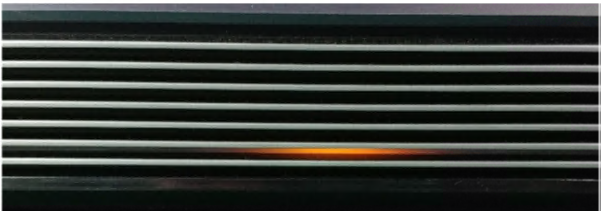
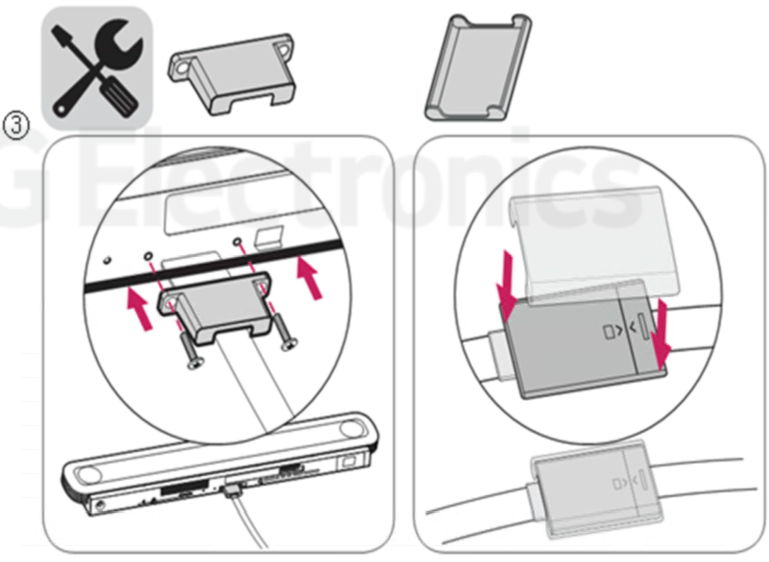
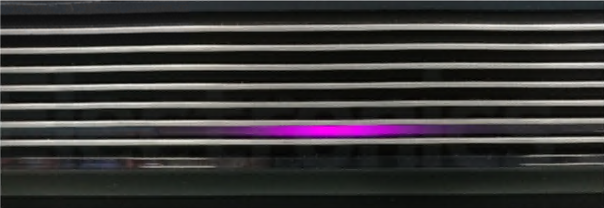
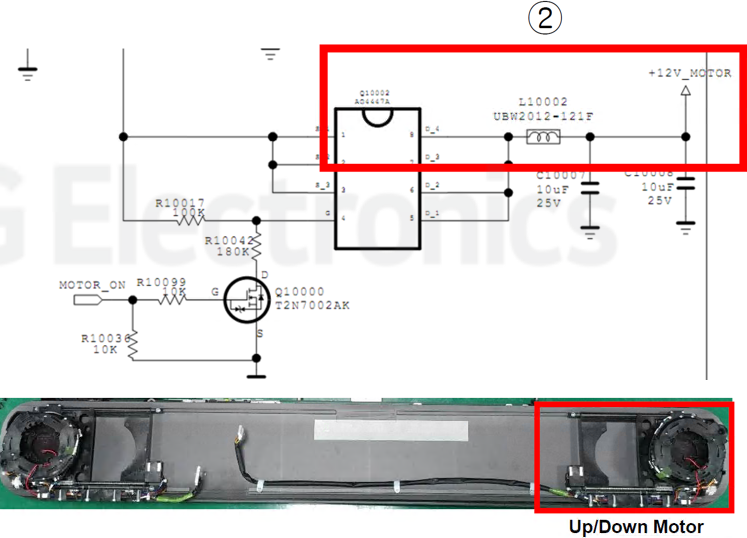
Wallpaper OLED Televisions can sometimes have a colored blinking LED indicating a problem.
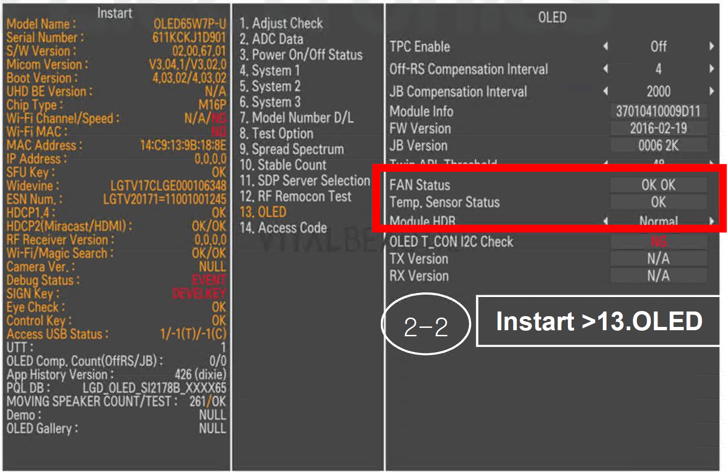
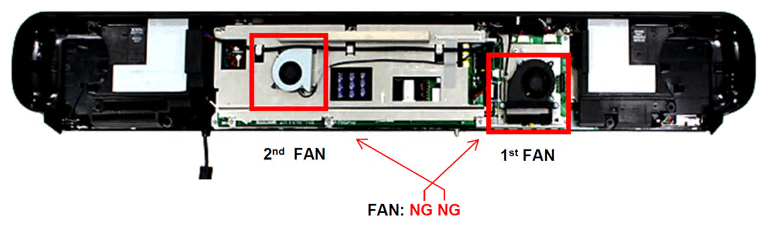
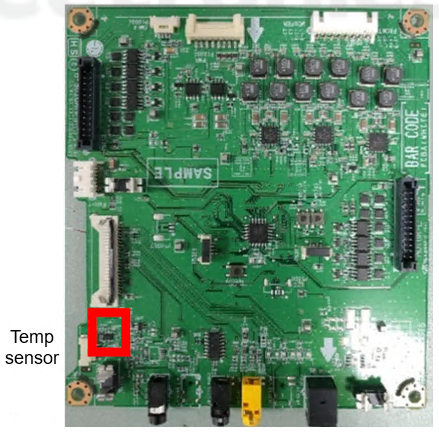
2-1: Power only mode or2-2: In-Start > OLED
Interressting
basic but interesting
Informative
Your email address will not be published. Required fields are marked *
Comment *
Name
Email
Website
Save my name, email, and website in this browser for the next time I comment.


3 Responses
Interressting
basic but interesting
Informative